Best AI Tools in 2026: You Must Know these Tools
There are too many AI tools now, and picking the right one feels harder than it should be.
Here are the best AI tools for website building, design, video, research, coding and automation, with one top pick and one alternate for each.
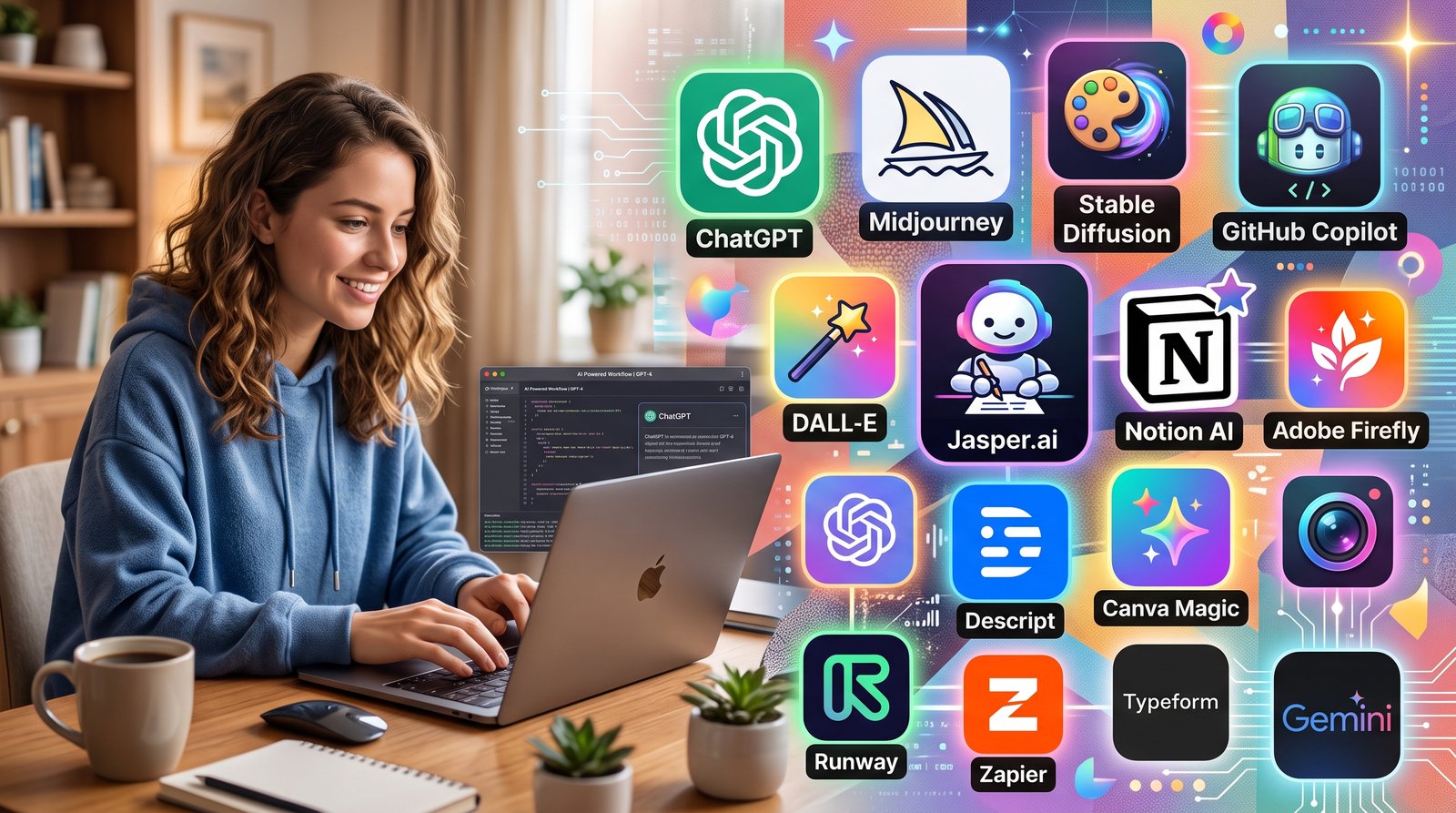
If you want a simple, no-confusion list of the best AI tools read this article full
New AI tools launch almost every week. Some are genuinely useful, some are just copies of something better. Instead of listing 50 random tools, we picked six categories that actually matter for creators, freelancers and small business owners. For each category, we give one strong main pick and one solid alternative, so you always have a backup option too.
1. Website Builder
Every business needs a website today, but not everyone wants to learn coding just to build one.
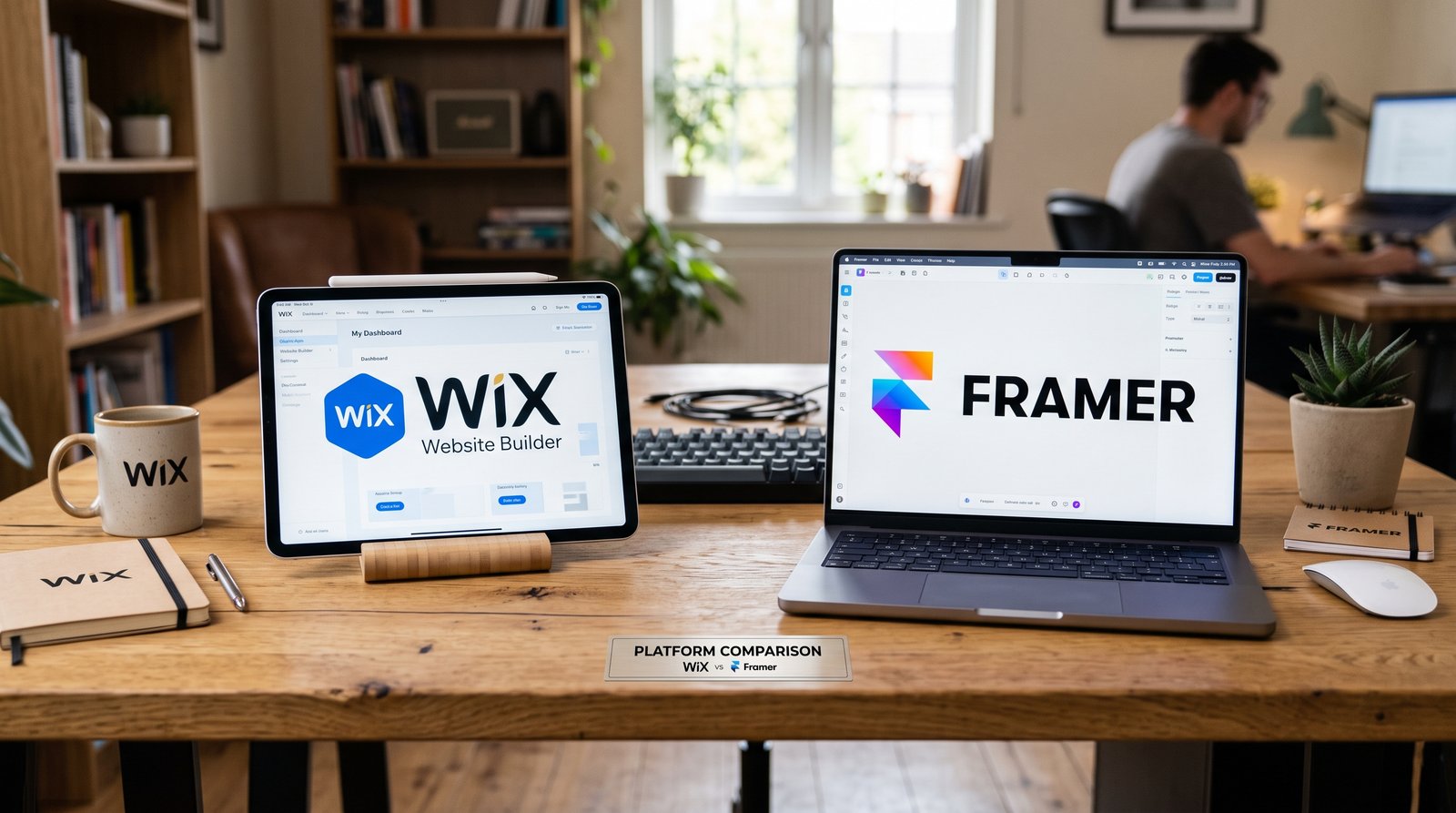
Best: Wix
Wix now comes with a strong AI system that asks a few questions about your business and builds a working website around your answers. You still get full control to edit everything later with drag and drop. It works well for shops, portfolios and service businesses.
Alternate: Framer
Framer focuses more on design and animation. If you want your website to look modern and creative, this one gives smoother results, though it has a smaller learning curve for pure business features like bookings.
- Wix is better if you want an all-in-one business website.
- Framer is better if design and visual polish matter more to you.
- Both offer free plans to start testing before you pay.
2. Graphic Designer
Not everyone can afford a designer for every small task, and this is exactly where AI design tools help the most.
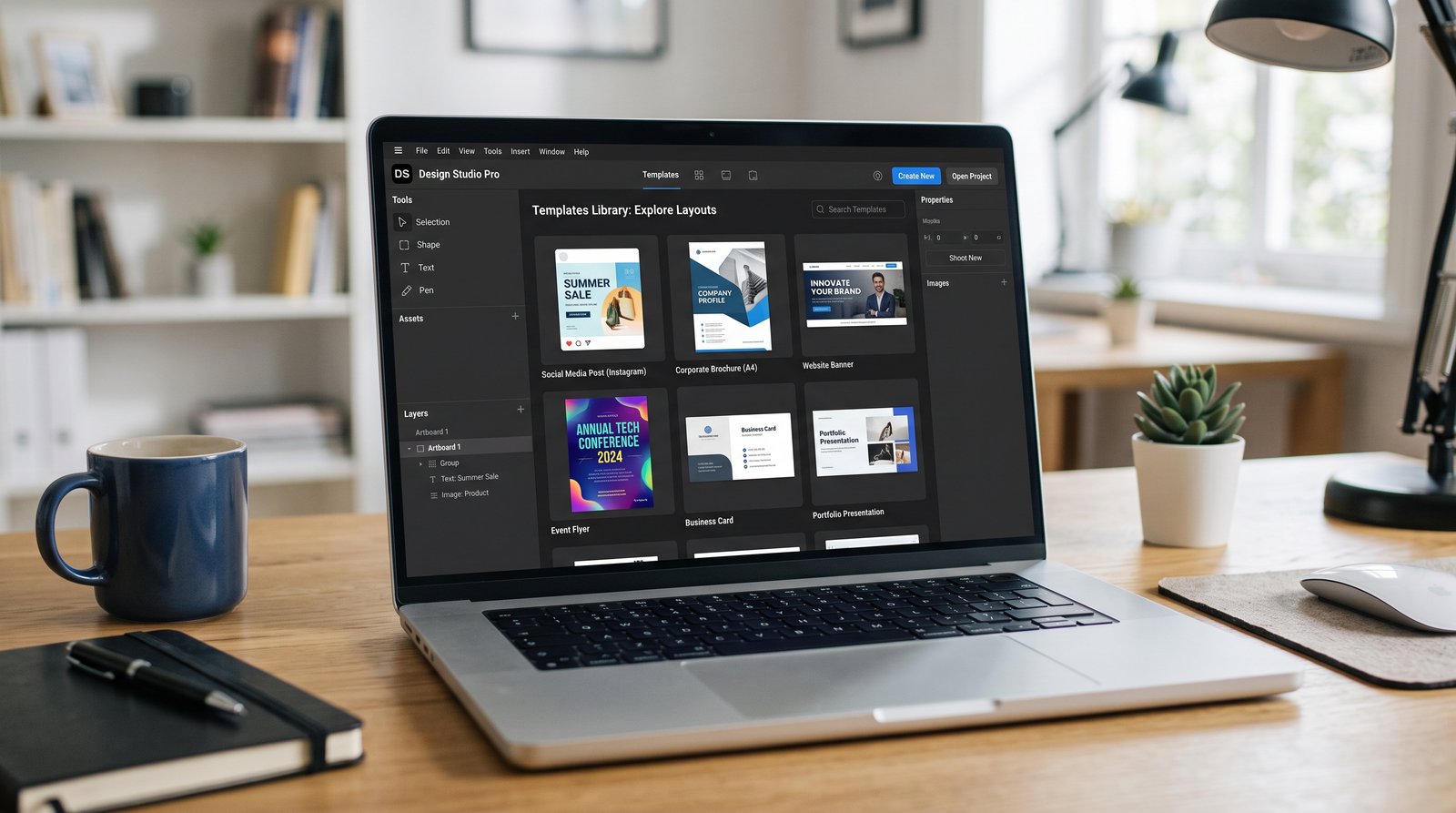
Best: Canva AI
Canva already had templates for everything, and now its AI features can generate images, remove backgrounds and even write captions. It stays the easiest option for beginners, and its free plan is generous enough for daily use.
Alternate: Adobe Firefly
Firefly is built by Adobe, so it connects well if you already use Photoshop or Illustrator. Its image quality is strong, and it is trained to avoid copyright issues, which matters if you sell products commercially.
- Canva is faster for social media posts and quick designs.
- Firefly is better if you need Adobe-level quality control.
3. Video Maker
Video content is growing everywhere, from TikTok to YouTube, and AI video tools made this space much easier to enter.
Best: Veo 3
Google's Veo 3 creates realistic video clips with sound, straight from a text prompt. The quality is high enough to use in real projects, not just for fun experiments, and it handles camera movement and lighting well.
Alternate: Kling AI
Kling is a strong budget-friendly option, especially for social content and human motion. It gives free daily credits, which makes it a good starting point before you commit to a paid tool.
- Veo 3 is better for cinematic, high quality clips.
- Kling AI is better if you are just starting and want to test things for free.
If you want to learn Complete Claude Ai You read it here and master in Claude.
4. Researcher
Research used to mean opening ten browser tabs and reading each one slowly. AI research tools changed that completely.
Best: Perplexity
Perplexity answers your question directly and shows the sources it used, so you can verify the information yourself. It has a free tier, and it works especially well for quick fact-checking or current topics.
Alternate: Google Gemini
Gemini connects directly with Google's search index, so it often has fresher information. It also works well if you already use Google Docs or Gmail, since it fits into that workflow naturally.
- Perplexity is better for quick, citation-backed answers.
- Gemini is better if you want deeper research tied to Google's ecosystem.
5. Coding Assistant
You think Coding is Essential for building Website or Software. You are completely wrong because in this Time Ai existing for help you in Coding.
Best: GitHub Copilot
Copilot suggests code as you type, and it has one of the easiest starting points for beginners. Its free tier gives a real number of completions every month, so you can actually test it properly before paying anything.
Alternate: Cursor
Cursor works more like a full AI-powered code editor. It understands your whole project, not just one file, which makes it stronger for bigger apps, though it has a slightly steeper learning curve.
- Copilot is easier for beginners and quick fixes.
- Cursor is stronger for larger, more complex projects.

6. AI Automation
This is the category most people skip, but it is often the one that saves the most time in the long run.
Best: Zapier
Zapier connects thousands of apps together, so one action in one app can automatically trigger something in another. It now also has an AI Copilot that builds these automations just from a plain text description, which removes most of the technical work.
Alternate: Make.com
Make offers a more visual, flowchart-style builder. It costs less for high-volume automations, and it gives more control over complex, multi-step logic, but it takes a bit more time to learn than Zapier.
- Zapier is better for simple, fast automations across popular apps.
- Make is better if you need more control and better value at higher volume.
Bonus: 3 More Helpful AI Tools
These three didn't fit into one single category above, but they are worth knowing about.
Grammarly
Grammarly checks your writing for grammar and clarity in real time, useful for emails, blogs and even client messages.
ElevenLabs
ElevenLabs turns text into natural sounding voice, helpful if you want to add voiceovers to videos without recording your own voice.
Notion AI
Notion AI helps organize notes, tasks and project planning, and can also summarize long documents in seconds.
Conclusion
The conclusion of this article is simple: you don't need every AI tool, you only need the right one for your current task. Start with the free plan of whichever tool matches your category, test it on a real project, and only upgrade once you feel the limit. Tools change fast, but this simple approach of picking one main tool and one backup will always keep you moving forward without wasting time comparing endless options. Keep learning with us.
Share this article: